
Built for student accommodation

Student Housing Management Software

Built around the academic year, not a generic monthly cycle. Fill beds in the intake rush with online booking, verify students with digital KYC and e-agreements, bill by term or month, and give parents the visibility they ask you for.

Hero — student housing dashboard

24/7

Online bed booking

100%

Paperless KYC & agreements

Term or monthly

Flexible rent cycles

Parent-ready

Shared payment links & receipts

Why student housing needs its own software

Student accommodation fills up in a rush at the start of each academic year, empties during term breaks, and turns over almost completely twelve months later. That pattern is set by the academic calendar, not by rolling monthly demand — which is why software built for ordinary rentals usually fits badly.

It creates practical problems. Hundreds of students need verifying and signing up within a few weeks. The person paying is usually a parent in another city. Term breaks leave beds empty on a schedule you can predict but still have to bill for. And the building is run by wardens working night shifts from a phone, not by an office team at a desk.

primelivingApp is built for that cycle. Below you'll find what the software is, who it's for, the problems it solves, and how each part works — booking, room allocation, billing, the student app, parent communication, security, maintenance, reporting and multi-property control.

What is student housing property management software?

Student housing property management software is a platform that digitises how student accommodation is operated — room and bed allocation, online bookings, resident verification and agreements, rent collection, maintenance, visitor logging, and reporting — in one system. Unlike general rental software, it is organised around academic sessions, term-based billing, and the parent-as-payer relationship.

The category exists because student accommodation carries obligations ordinary rentals do not. Residents are often young and sometimes minors, which makes identity verification, guardian consent, visitor control, and in-out records a baseline expectation rather than a premium feature. Institutions ask for records. Parents ask for reassurance. Both need answering from the same system that runs your rent.

It also has to survive concurrency. On an ordinary property, two move-ins in one week is busy. On a student property, two hundred move-ins in three weeks is a normal September — and any process that depends on a physical file, an in-person visit, or a single person's memory collapses under that load.

Who is it for?

Any operator whose occupancy is tied to an academic calendar. The building type varies — a university block, a private purpose-built development, a converted house near campus — but the operating rhythm is the same.

College & university hostels

Private student accommodation (PBSA)

Student PGs near campus

Girls' & women's hostels

Learn more

Co-living for students

Learn more

Coaching & exam-hub hostels

Multi-block campus housing

Short-stay & exchange housing

Learn more

Common challenges in student housing management

The six problems that come with running accommodation on an academic calendar.

The year resets every year

Near-total turnover each session. Every bed has to be re-let, every resident re-verified, and every agreement re-signed — compressed into a few weeks, not spread across the year.

Demand arrives as a spike

Most of your year's bookings land in one short intake window. A slow enquiry-to-move-in process doesn't cost you a month of rent — it costs you the whole session.

The payer isn't the resident

Parents and guardians pay; students live there. Two people need visibility on one ledger, and the person holding the card is usually in a different city.

Vacations punch holes in occupancy

Term breaks empty the building. You need to know who's holding their bed, who's released it, and what you're billing for the weeks in between.

Compliance isn't optional

ID verification, guardian consent, visitor logs, and attendance records get asked for by institutions and parents alike — and a paper register is a poor answer to either.

Wardens run the building

Night staff handle the gate, the curfew, and the 11pm complaint. Whatever you buy has to work on their phone, not just on your laptop.

How primelivingApp solves those challenges

Each problem, and exactly what the software does about it.

Intake rush overwhelms the office

Self-serve booking and digital onboarding

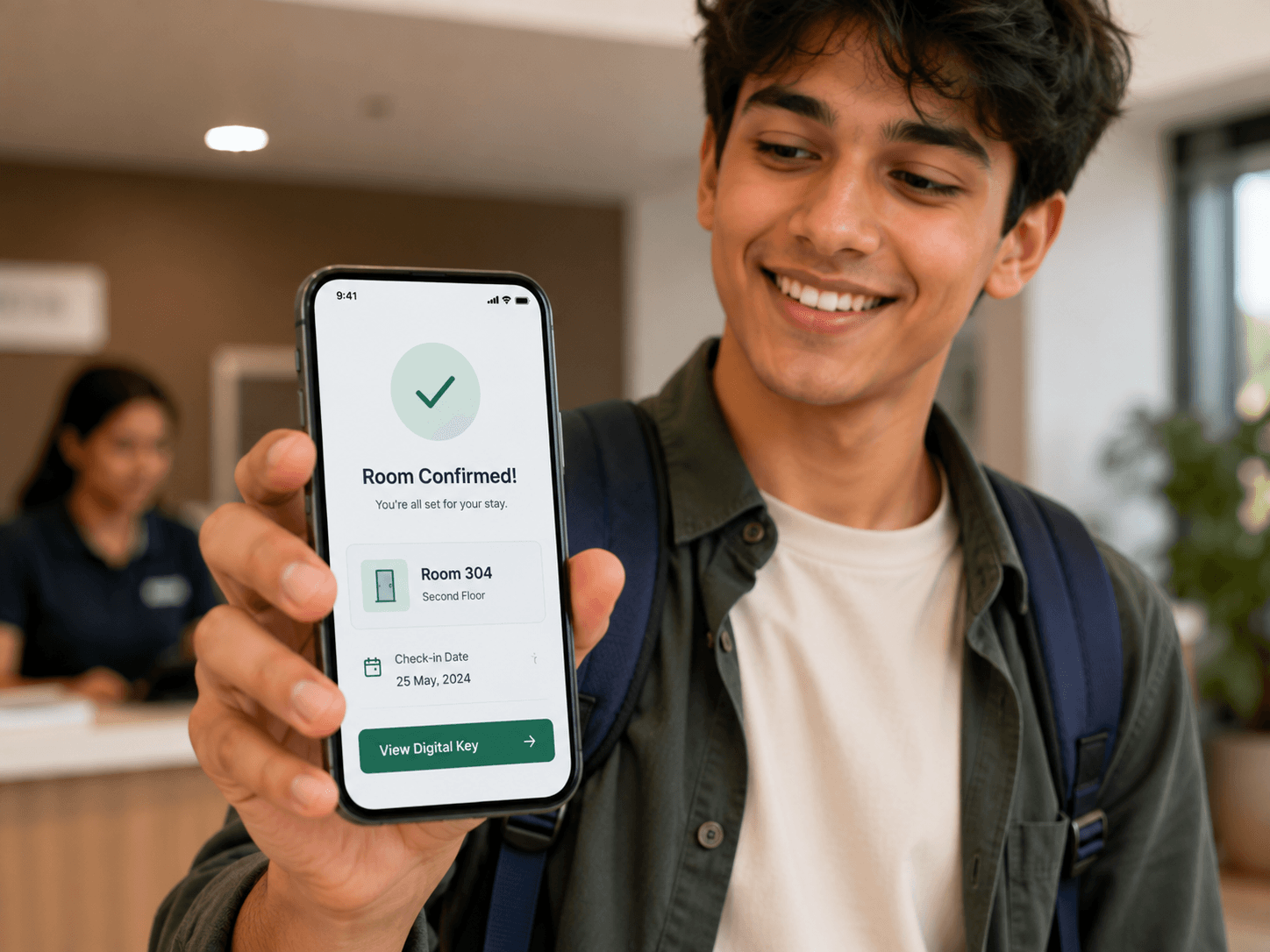
Students reserve online and complete verification and signing from their phone, so the queue processes itself instead of forming at your desk.

Beds sit empty without anyone noticing

Live bed-level occupancy map

Every bed carries a real-time status across the dashboard and your booking site, so a vacancy is visible the moment it exists.

Rent chased by phone every month

Automated invoicing and multi-channel reminders

Invoices generate on your cycle and reminders go out on WhatsApp, SMS, and email with a payment link attached — before and after the due date.

Parents call the office for updates

Shared ledger and forwardable payment links

Guardians pay from a shared link and can see invoices, receipts, and notices themselves, which removes the reason for most of those calls.

Paper files for hundreds of residents

Digital KYC and e-signed agreements

ID and address proof are uploaded, reviewed, and stored against the resident, and agreements are signed electronically with no printing.

Complaints get forgotten

Routed tickets with verified closure

Issues are raised with photos, auto-assigned to the right staff member, and can only be closed once the work is confirmed.

No record when an institution asks

Digital visitor and in-out logs plus audit trail

Entry and exit are timestamped and searchable, and every sensitive action is written to an audit log you can produce on request.

Month-end reconciliation takes a night

Live occupancy, collection, and dues reporting

The numbers are already computed — occupancy, collection rate, and outstanding dues are on screen whenever you open the dashboard.

Branded student booking website
Online booking

Online booking for admissions season

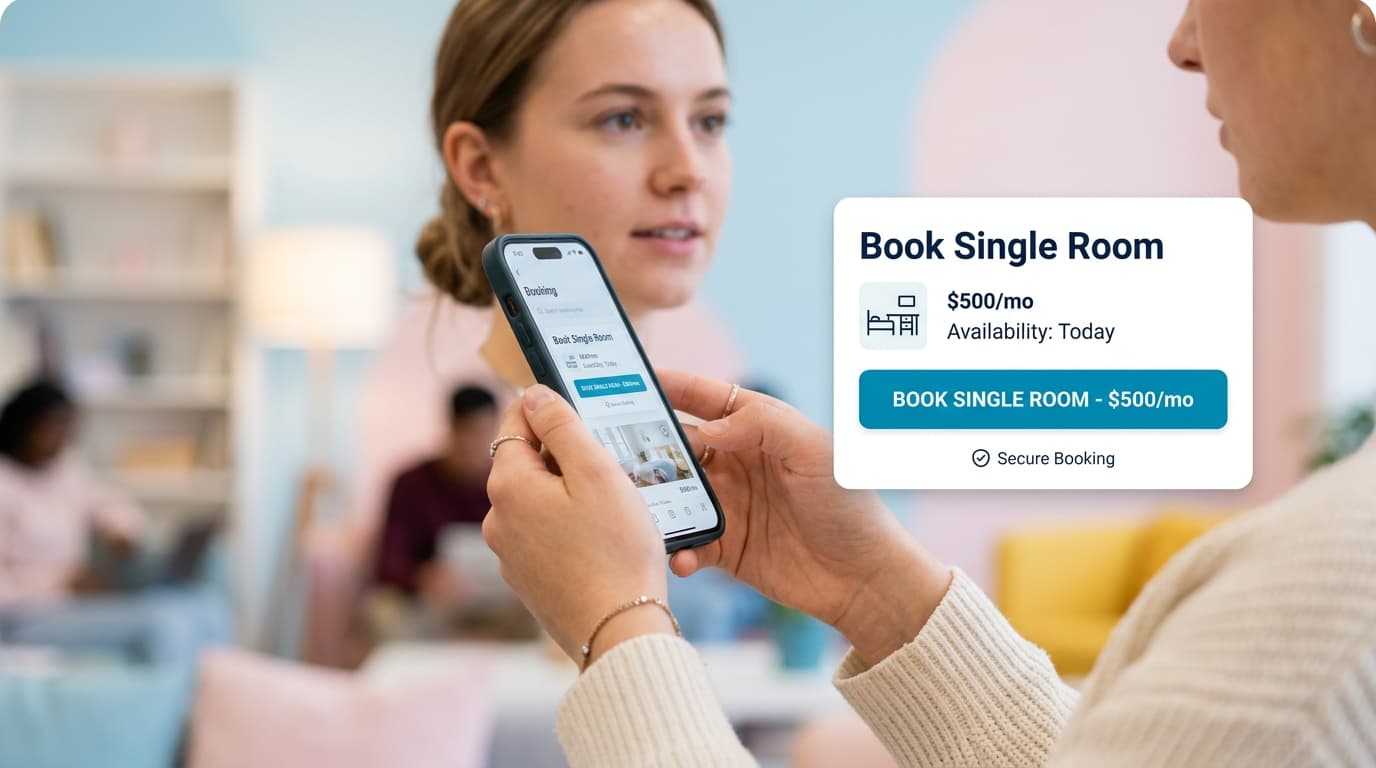
Most of your year's bookings arrive in a few weeks. Your own booking website shows live availability by sharing type, takes a reservation deposit online, and sends the student straight into digital verification — so an enquiry at 10pm can be a confirmed booking by morning.

  • Live availability by sharing type
  • Online reservation deposits
  • Straight into digital KYC
  • Waitlist when a type sells out
Room allocation

Room allocation and occupancy management

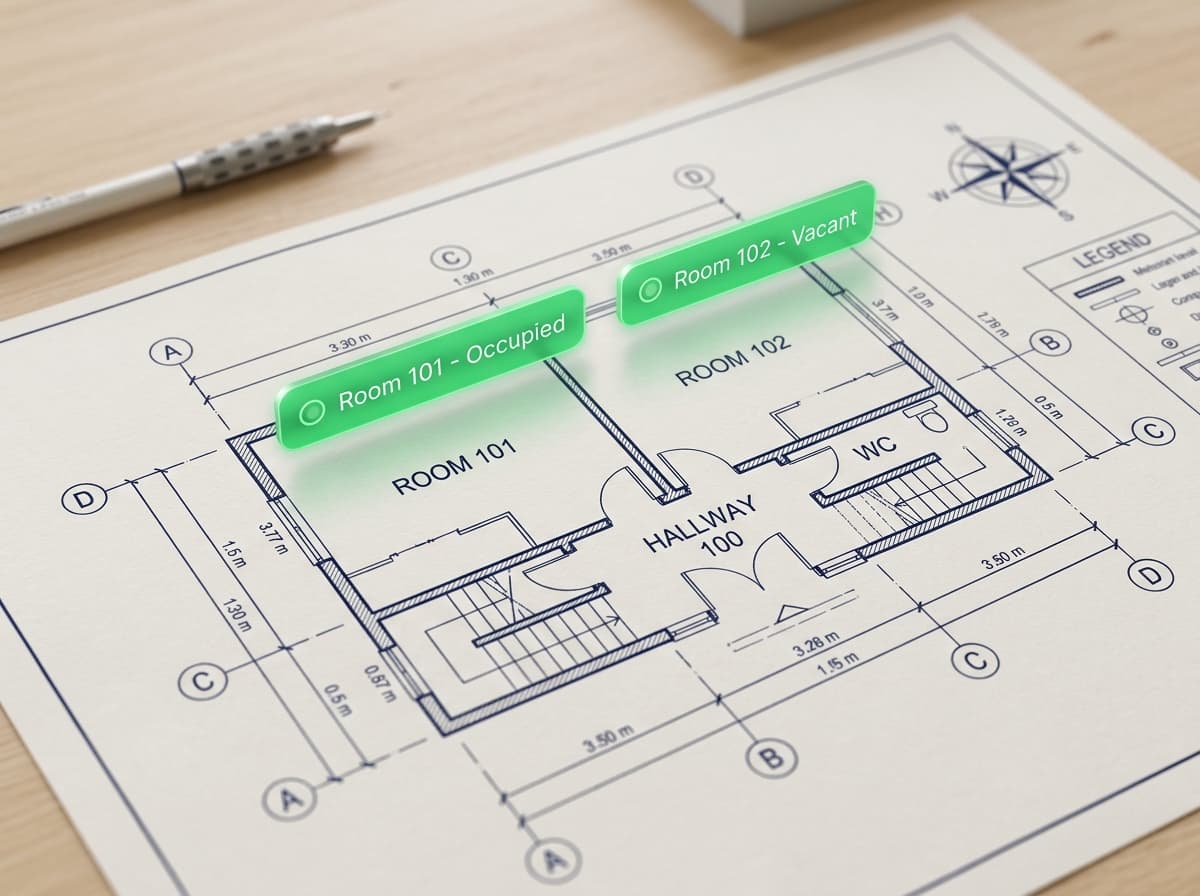
Room allocation in student housing means assigning by sharing type against a live occupancy picture, not just recording who lives where. primelivingApp gives every bed its own status on a visual floor map, so allocation takes seconds, vacancies surface immediately, and double-booking during an intake rush becomes structurally impossible.

Bed-level floor map

Sharing-type allocation

Assign by single, twin, triple, or dorm occupancy, with each bed tracked individually rather than at room level.

Visual floor map

See every block, floor, room, and bed with occupied, vacant, reserved, and maintenance states colour-coded at a glance.

Transfers & swaps

Move a student between beds or blocks mid-session and carry their ledger, documents, and history with them.

Hold vs release over breaks

Mark which beds are held through a vacation and which are free to re-let, so break-period occupancy is a fact rather than a guess.

Gender & block rules

Enforce block-level rules automatically so a mixed-property operator can't accidentally allocate against policy.

Occupancy forecasting

Compare committed beds against capacity for the coming session to see where you'll be short before the intake closes.

Billing

Rent collection and billing

Student housing billing has to handle cycles ordinary rentals don't — per semester, per academic year, or monthly, often paid in instalments by a guardian. primelivingApp generates invoices on whichever cycle you choose, chases them automatically across three channels, takes payment online, and reconciles each receipt against the right resident.

Billing cycle & invoice view

Term, annual, or monthly cycles

Choose the billing rhythm per property or per resident, including split instalments for families who need them.

Automated reminders

Scheduled nudges on WhatsApp, SMS, and email before and after the due date, each carrying a one-tap payment link.

Online payment collection

Cards, bank transfer, and local methods including UPI in India, reconciled automatically against the open invoice.

Late-fee automation

Set the rule once and overdue invoices carry the fee with a clear audit trail, so nobody argues about it later.

Deposits & settlement

Security deposits are held against the resident and settled at move-out with itemised deductions on a final statement.

Utilities & mess charges

Add metered or fixed charges — electricity, mess, laundry — onto the same invoice so one bill covers the cycle.

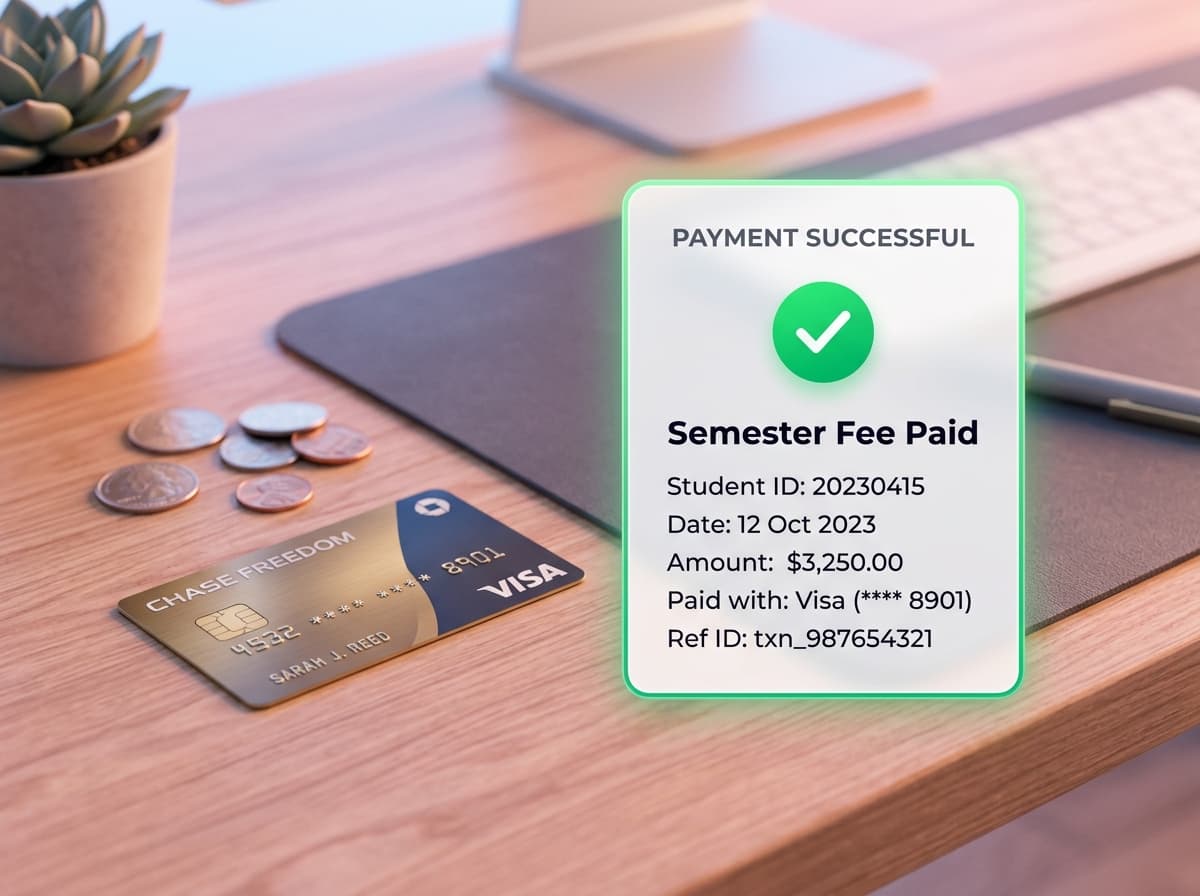
Receipts are tax-compliant per market — GST in India, VAT or the local equivalent elsewhere — so a parent claiming an allowance or an institution reconciling a subsidy gets a document that holds up.

Parent-shared payment & receipt view
Parents

Payments by parents and guardians

In student housing the person living in the room and the person paying for it are usually two different people in two different cities. Payment links can be forwarded to a parent, receipts still file against the student, and both sides see the same account — which removes most of the calls your office takes.

  • Shareable parent payment links
  • Receipts filed to the student
  • One ledger, both parties see it
  • Notices reach the whole household
Parent communication

Parent communication features

In student accommodation the resident and the payer are usually two different people in two different cities. primelivingApp treats the guardian as a first-class participant: payment links forward to them, receipts still file against the student, and both sides see the same ledger — which is what stops your office becoming a call centre.

Forwardable payment links

A student shares the link and a parent pays directly, with the receipt still recorded against the student's account.

One ledger, both parties

Invoices, payments, and outstanding dues are visible to the resident and whoever is funding them — no reconciliation by phone.

Payment confirmations

Automatic confirmation the moment a payment lands, so a parent never has to ask whether it went through.

Building announcements

Notices about holidays, fee cycles, or building works reach the household, not just the student's lock screen.

Visibility on safety records

Visitor logs and in-out records give guardians a factual answer instead of a reassuring guess.

Fewer inbound calls

Because the answers are self-serve, the routine 'has my son paid' call largely stops arriving.

Student app

Student mobile app features

The student mobile app is where residents do the things that would otherwise become office queries. They pay rent, download receipts, raise maintenance issues with photos, read notices, and view their agreement — which removes a large share of routine walk-ins and calls to your warden.

Student app screens

Pay rent in one tap

See what's due, pay online, and forward the same link to a parent when the guardian is paying.

Receipts & payment history

Download any past receipt and view the full ledger without asking the office for a copy.

Raise maintenance requests

Report a problem with photos attached and follow its status through to verified closure.

Agreement & documents

View the signed rental agreement and uploaded KYC documents any time from the phone.

Notices & mess menu

Building announcements, exam-period rules, and meal menus arrive as notifications instead of a noticeboard.

Visitor requests

Request approval for a visitor in advance so the gate has a record before they arrive.

Residents who don't install the app still receive every reminder and notice by WhatsApp, SMS, and email — adoption is never a prerequisite for getting paid.

Security

Security and visitor management

Student housing carries a duty of care that ordinary rentals don't, and a paper gate register is a weak answer when an institution or a parent asks a hard question. primelivingApp records visitors and movement digitally, verifies resident identity at onboarding, and writes every sensitive action to an audit log.

Visitor log & in-out register

Digital visitor log

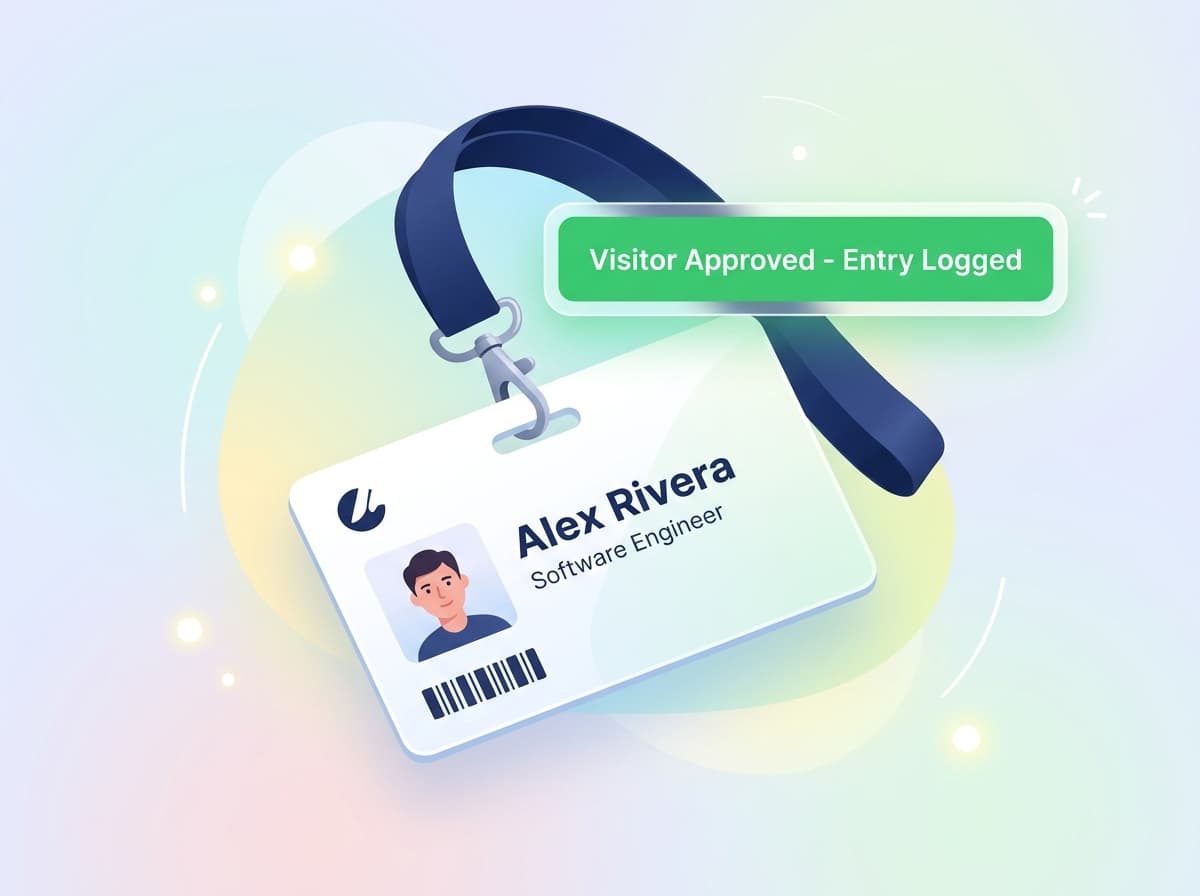
Timestamped entry and exit records with the resident being visited notified for approval.

Identity verification at intake

Government ID and address proof uploaded and reviewed before allocation, stored against the resident record.

In-out movement records

Searchable arrival and departure history — the record parents ask about and registers can't produce.

Role-based staff access

Wardens see only the block assigned to them; sensitive resident data isn't open to every staff account.

Audit trail

Every sensitive action is logged with who did it and when, which is what accountability actually requires.

Guardian consent on record

Agreements and consents are signed and stored digitally, so the paperwork exists when someone needs to see it.

Maintenance

Maintenance management

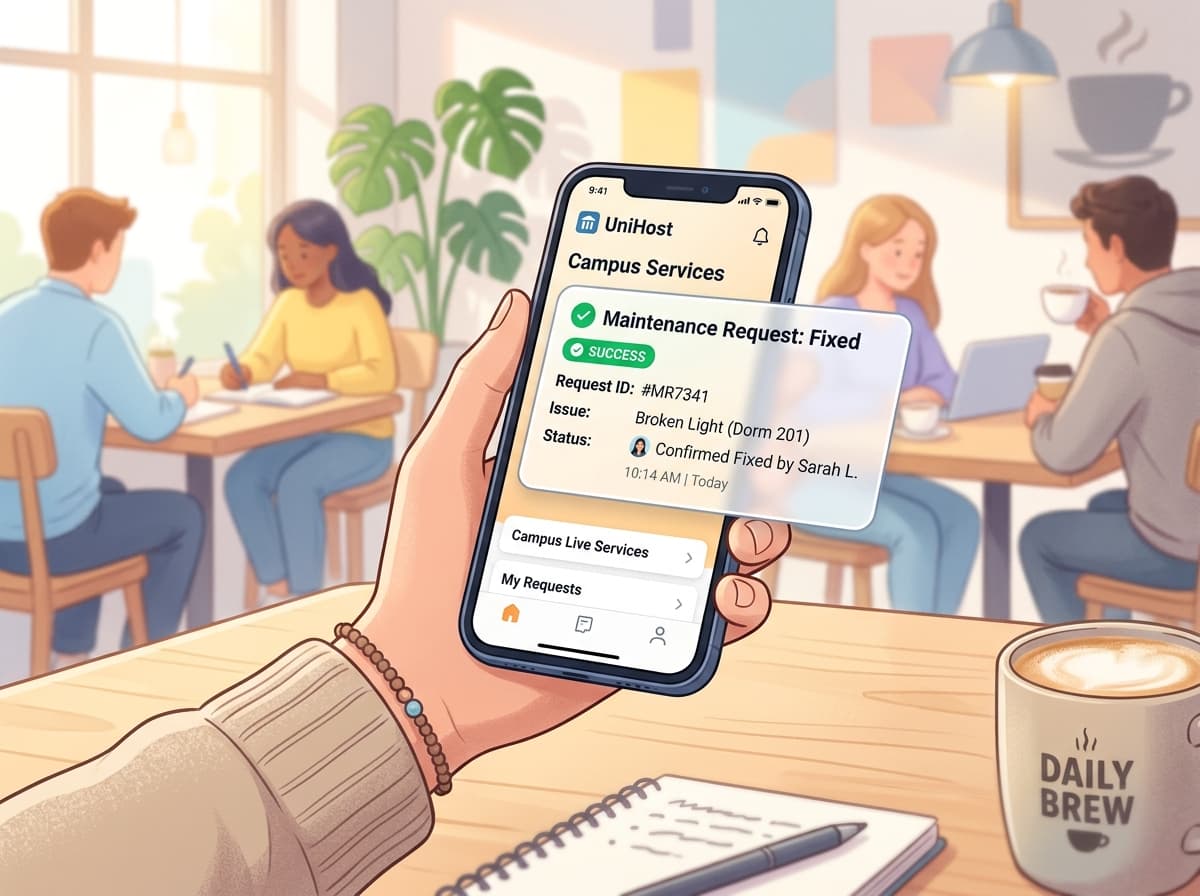
Maintenance in student housing fails in a specific way: an issue mentioned to a warden in a corridor never becomes a ticket, and the student who reported it becomes the student who doesn't renew. primelivingApp makes reporting self-serve, routing automatic, and closure verifiable.

Resident-raised with photos

Students report from the app with images attached, so nothing depends on catching a warden in person.

Automatic routing

New tickets assign to the right staff member by category, rather than waiting for someone to notice them.

Tracked status

Open, assigned, in progress, and closed states are visible to the resident, which stops the 'has anyone looked at this' follow-up.

Verified closure

A ticket closes only once the work is confirmed, so nothing is quietly marked done.

History per room and bed

Recurring faults are visible against the room, which is how you find the radiator that breaks every winter.

Vendor & asset tracking

Track assets and supplier work against each property so repeat repairs and costs stay attributable.

Reporting

Reporting and analytics

Reporting exists to answer three questions before you have to ask them: how full am I, how much has actually been collected, and what is still outstanding. primelivingApp computes these live across the session, so there is no month-end spreadsheet night and no waiting for a manager's summary.

Occupancy & collections reporting

Occupancy & vacancy

Current occupancy by block, floor, and sharing type, with vacancies broken out so you know what to sell.

Collection rate

Collected against billed for the current cycle, with the trend across previous cycles for comparison.

Outstanding dues

Who owes what, how overdue it is, and which reminders have already gone out.

Session-over-session comparison

Compare this academic year against the last to see whether intake and retention are actually improving.

Expense & profit view

Track spend against each property so occupancy figures translate into an actual margin.

Exportable reports

Export for an accountant, an institution, or an owner review without rebuilding the numbers by hand.

Multi-property

Multi-property management

Operators rarely stop at one block. primelivingApp runs any number of buildings or campuses from a single account, with a consolidated rollup across the portfolio and per-property drill-down — and staff permissions scoped so a warden only ever sees their own building.

Portfolio rollup

Occupancy, collections, and dues aggregated across every property in one view.

Per-property drill-down

Open any single block or campus for its own detail without leaving the account.

Scoped staff access

Wardens and managers are assigned to properties and see only what you've granted them.

Per-property configuration

Different rent cycles, sharing types, and rules per building, because a campus block and a converted house aren't the same.

Cross-property comparison

Compare buildings side by side to see which is underperforming on occupancy or collection.

Central resident search

Find any resident across the whole portfolio without knowing which building they're in.

The academic year

How it works across the academic year

What the software does at each stage, from the first booking to move-out.

Before the session

Open bookings early

Publish rooms, sharing types, and pricing to your branded booking site so students can reserve a bed the moment they get an offer letter.

  • Live room & sharing-type listings
  • Online reservation with deposit
  • Waitlist capture when a type sells out
Intake rush

Verify and allocate at speed

Digital KYC and e-signed agreements let you onboard a queue of students without a paper file per resident or a physical visit.

  • Document upload & verification
  • E-signed rental agreements
  • Bulk bed allocation by sharing type
Term running

Run the building

Rent cycles, complaints, visitors, and notices all run themselves while your warden works from a phone and you watch the numbers.

  • Term or monthly rent cycles
  • Maintenance tickets with photo proof
  • Visitor log & in-out records
  • Notices and announcements in-app
Vacation period

Handle the empty weeks

Track who is holding a bed over the break and who has released it, and bill the period correctly instead of guessing at reconciliation time.

  • Bed hold vs release status
  • Partial-period billing
  • Short-stay re-letting of freed beds
Renewal & exit

Close the year cleanly

Push renewal offers before students go home, then settle deposits with itemised deductions so nobody argues about it in September.

  • Renewal offers & re-signing
  • Deposit settlement with deductions
  • Clearance & move-out checklist
Benefits

Benefits for owners, operators, universities and PBSA providers

Each group wants something different from the same system. Here is what each one gets.

Property owners

Fewer empty beds and rent that arrives without being chased.

  • Occupancy visible in real time instead of at month end
  • Automated collection removes the follow-up call entirely
  • Portfolio-wide profit view across every building
  • Session-over-session trends to judge whether intake improved

Operators & wardens

The building runs from a phone, with nothing kept in someone's head.

  • Visitor entries and room status updated on the spot
  • Maintenance tickets routed automatically, not remembered
  • Property-scoped access so staff see only their block
  • No parallel paper register to reconcile at shift end

Universities & institutions

Records that can be produced on request, not reconstructed.

  • Verified resident identity held against every allocation
  • Searchable visitor and in-out history
  • Audit trail on sensitive actions
  • Exportable occupancy and compliance reporting

PBSA providers

Standardised process across buildings, and a booking funnel that scales.

  • Consistent onboarding across every property in the portfolio
  • Branded booking site capturing direct demand, not just agent leads
  • Consolidated rollup with per-building drill-down
  • Per-property configuration where buildings genuinely differ
Use cases

Use cases

Six common types of student property, and what changes for each one.

A 200-bed college hostel

One block, one intake window, hundreds of students arriving in the same fortnight.

Bookings open online before the session, verification and signing happen from students' phones, and allocation by sharing type is done from a floor map instead of a register.

A PBSA operator with 6 buildings

Multiple sites, a mix of studio and cluster rooms, separate wardens per building.

One consolidated occupancy and collections rollup, per-property drill-down, and staff scoped to their own site with configuration that differs building to building.

A 40-bed student PG near campus

Owner-operated, previously on a spreadsheet and a WhatsApp group, rent chased by phone.

Invoices generate on schedule, reminders chase across three channels, parents pay from a forwarded link, and the owner stops being the collections department.

A girls' hostel with strict visitor policy

Parents ask direct questions about who enters the building and when residents come and go.

Digital visitor log with resident approval, timestamped in-out records, and an audit trail that gives guardians a factual answer instead of reassurance.

A coaching-hub hostel

Rolling admissions year-round, short stays, high churn, mess included in the fee.

Flexible billing cycles with mess charges on the same invoice, fast re-letting of freed beds, and occupancy tracked continuously rather than per session.

Vacation-period short lets

Term breaks leave large blocks of beds empty for weeks at a time.

Hold-versus-release status per bed shows exactly what's genuinely free, so freed beds can be re-let short-term instead of carried empty.

Integrations

Integrations

The channels students and parents actually use, plus what is still on the roadmap.

WhatsApp

Rent reminders, notices, and payment links on the channel students and parents actually read.

SMS

Fallback reminders that reach residents without app installs or data connections.

Email

Invoices, receipts, and formal notices with documents attached.

Push notifications

In-app alerts for payment due, ticket updates, and building announcements.

Online payment gatewaysRoadmap

Cards, bank transfer, and local rails including UPI in India.

Accounting exportRoadmap

Push invoices and payments into your accounting package.

Biometric attendanceRoadmap

Link gate hardware to resident attendance records.

Calendar syncRoadmap

Sync academic sessions and billing cycles to external calendars.

Why primelivingApp

Why choose primelivingApp for student housing

Six things that are genuinely different about primelivingApp for student properties.

Three products, one subscription

Most hostel software is a dashboard. You get a branded booking website, a resident mobile app, and the management dashboard together — your whole digital presence, not just an admin panel.

Built around the academic year

Term and session billing, vacation hold-or-release, renewal cycles, and intake-season booking are first-class concepts here, not workarounds on a monthly rental model.

The guardian is a first-class user

Payment links forward, receipts still file correctly, and both student and parent see one ledger — designed for how student housing is actually paid for.

Works for night staff

Wardens run visitor logs, room status, and maintenance from a phone with property-scoped access, because that's who is actually in the building at 11pm.

We do the migration

Send the spreadsheets you already keep. We map residents, rooms, dues, and deposits in, and time onboarding to be live before your booking window opens.

A direct line to the team

During early access you talk to the people building the product, and what you need next genuinely shapes what ships.

Compared with spreadsheets and manual processes

What you get when you move off Excel, WhatsApp and paper registers.

Capability
Excel
WhatsApp
primelivingApp
Students reserve a bed online
Digital KYC & e-signed agreements
Live sharing-type availability
Limited
Term / semester rent cycles
Limited
Parents can pay and see receipts
Limited
Visitor & in-out records
Limited
Warden tools on mobile
Limited
Deposit settlement at move-out
Limited
Occupancy & collection reporting
Limited
Multi-block consolidated view
Case study

Case study

We're onboarding our first operators now, so we're not going to invent a success story. This is the shape the real one will take — and if you come in during early access, it could be yours.

The property

Type, bed count, number of blocks, and location

The challenge

What was breaking before — and what it was costing

What changed

Which parts of the platform they actually adopted

The result

Measured outcome on occupancy, collection, or hours saved

How to get started

Three steps, and we handle the data migration. Most properties are live in a few days.

01
01

Book a free demo

A 20-minute walkthrough on your actual property — your blocks, your sharing types, your intake calendar. No slide deck.

02
02

We set up before your intake

We migrate your existing residents and rooms, configure sharing types, rent cycles, and warden roles — timed to be live before your booking window opens.

03
03

Open bookings and go

Your booking site goes live, students verify and sign digitally, and your wardens run the building from their phones.

Student housing software FAQs

Common questions about student housing software.

Student housing management software runs the operations of a hostel, campus block, or private student accommodation — online bookings, KYC and agreements, bed allocation, rent collection, visitors, maintenance, and reporting — around the academic calendar rather than a rolling monthly cycle.
General rental software assumes rolling monthly tenancies and a single payer. Student housing software has to handle session-based intake, term or annual billing, guardians paying on a student's behalf, vacation-period occupancy, and duty-of-care records like visitor logs and identity verification.
Yes. Your property gets a branded booking website where students view rooms and sharing types, check live availability, and reserve a bed online — which is what lets you capture the intake spike instead of losing it to a faster competitor.
Students upload government ID and address proof through the resident app for digital verification, and sign rental agreements electronically. You get formatted compliance records without paperwork or an in-person visit, which matters when your intake is hundreds of students in a few weeks.
Yes. The payment link works for anyone the student shares it with, so a parent can pay directly and the receipt still files against the student's account. Payments, receipts, visitor logs, and announcements are all visible in the portal, so guardians aren't calling your office for updates.
Yes. You can bill monthly, per semester, or per academic year, and set instalment plans where families need them. Late-fee rules and reminders apply the same way regardless of which cycle you choose.
Each bed carries a hold-or-release status over the break, so you know exactly what's still committed and what's genuinely free. You can bill partial periods correctly and re-let freed beds for short stays rather than carrying them empty.
Yes. Wardens work entirely from a phone — visitor entries, room status, assigned maintenance tasks, and notices all update live. Access is property-scoped, so staff only see the block you assign them to.
Yes. Run several blocks or properties from one account with a consolidated occupancy and collections view, then drill into any single building. Staff permissions stay scoped per building.
Yes. Entry and exit are recorded digitally alongside the visitor log, giving you a searchable record instead of a gate register — useful both for parent queries and for institutional reporting.

Book a free demo

We will walk through your own property — your blocks, your sharing types, your intake dates.

14-day free trial. No credit card required.